Current ThreatQ Version Filter
Manually Setting an Object's Score
Default ThreatQ Role: Administrative, Maintenance, or Primary Contributor
Custom Role - Action Permissions: Individual Object Context & Actions - Score
ThreatQ scoring allows you to apply weighting to indicators, adversaries, and vulnerabilities along with their contextual information, such as sources, types, and attributes as they are added to ThreatQ.
See the Scoring Algorithms topic for further details on configuring scoring algorithms.
Setting a Manual Score for an Object
You can use this process to override an individual object score set by the scoring algorithm.
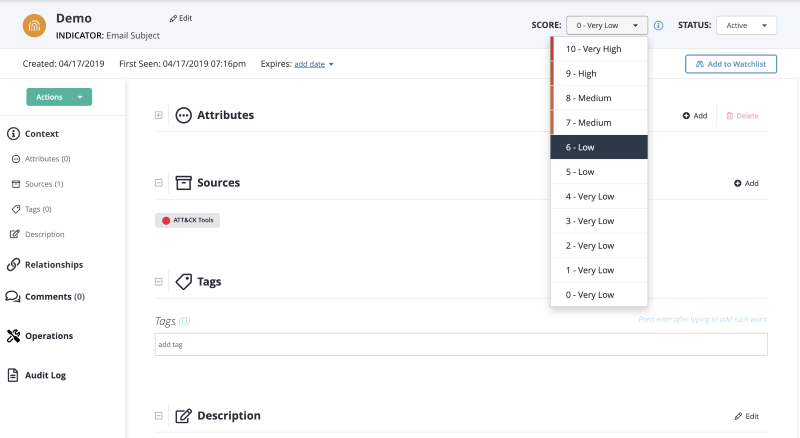
- Navigate to an objects's Details page.
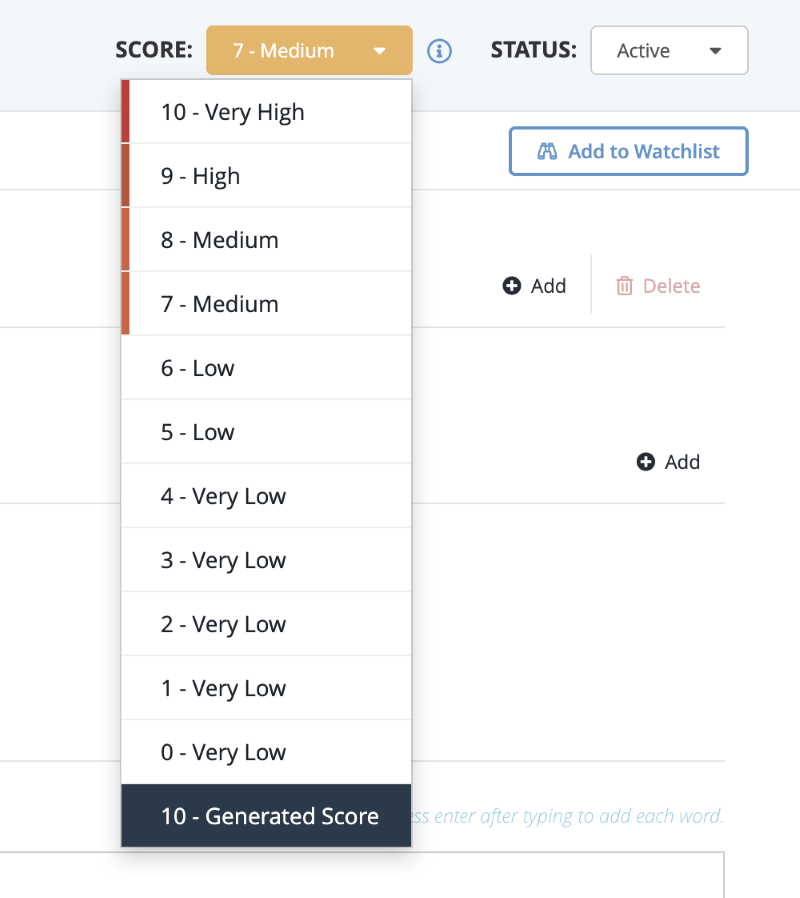
- Click the Score dropdown and select a score.
Optionally, you may revert to the calculated score by clicking on the Score dropdown and selecting Generated Score.