Current ThreatQ Version Filter
About Exports
Default ThreatQ Role: Administrative or Maintenance
Custom Role:
- Action Permissions: Objects & Context - Objects (all object types) OR Data Access Permissions: object type
- Action Permissions: Administrative Functions - Edit Exports
Notes:
- Authenticated exports are filtered based on the user’s Data Access permissions. Anonymous exports generated via access tokens return full results.
- Export configurations include only object types the user can access.
Exporting is one of the most important ThreatQ features, as it allows you to output non-whitelisted Indicators and other system object types to an external threat detection system.
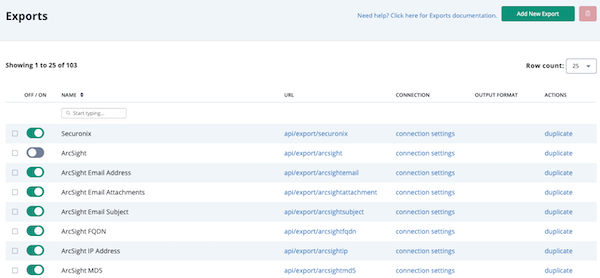
The Export page allows you to view, update, or delete the exports you have created as well as to view the standard system exports seeded in the ThreatQ. You can also copy a standard export to use it as the basis for a new export.
ThreatQ Exports are built on the Smarty PHP Template Engine; see https://www.smarty.net/ which provides an easy to understand syntax that simplifies export creation and updates.